AI multi-angle image tool for ecommerce

Generate Product Images from Different Angles

Upload one image. Get front, side, and back views instantly — no photoshoot needed. ProductViews is an image angle generator built for product photos different angles and fast catalog launches.

WHY IT FEELS CONSISTENT
We generate visual angles, not geometric truth. The same subject stays recognizable while the camera viewpoint changes across the angle set.
6-12 views
Typical angle pack
< 2 min
Setup time
MULTI-ANGLE INTELLIGENCE
Single image input with optional prompt — fast onboarding for non-technical teams.
Camera-style control for azimuth, elevation, and distance across multiple views from one image.
Consistent identity, materials, and lighting cues for front side back product images.
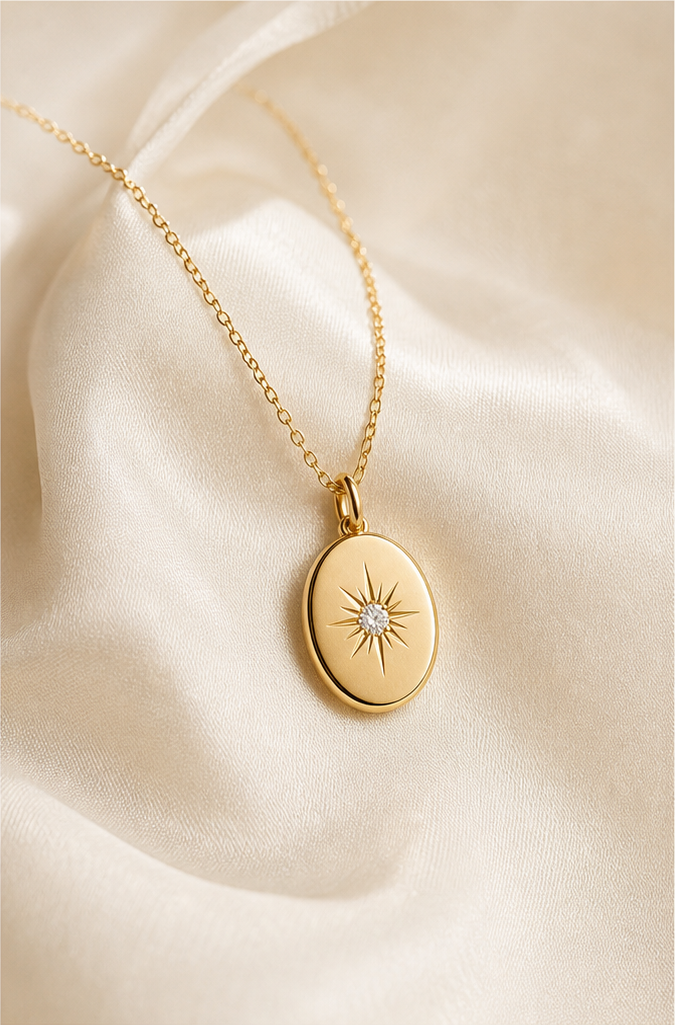
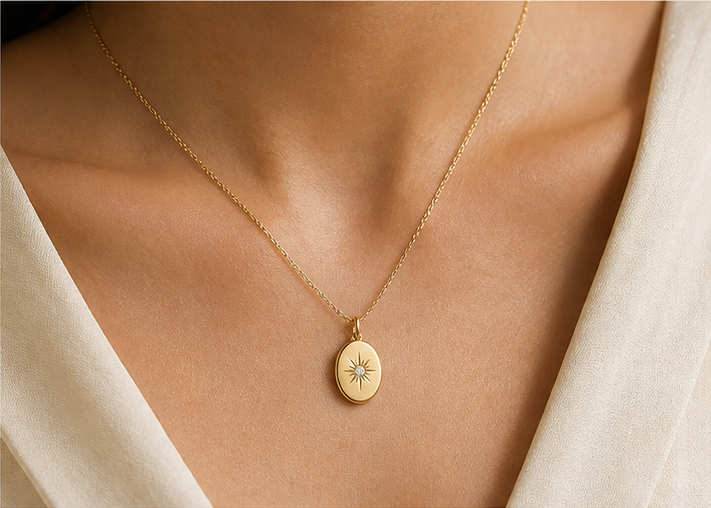
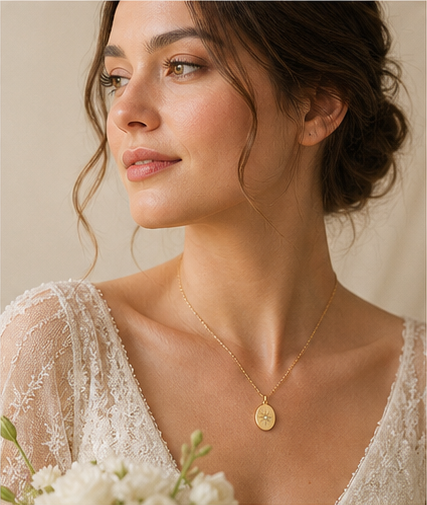
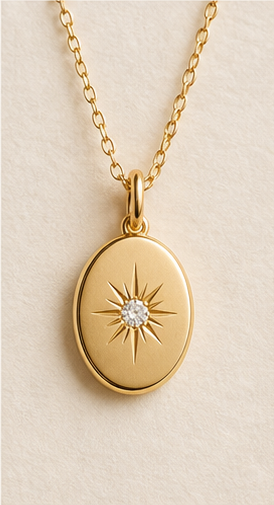
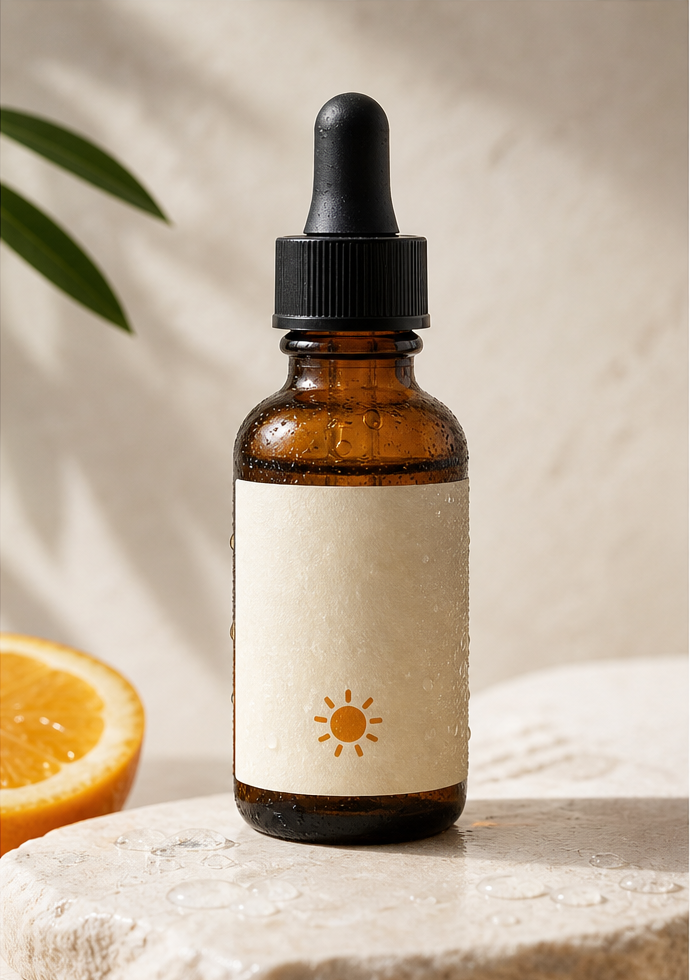
Original angle example
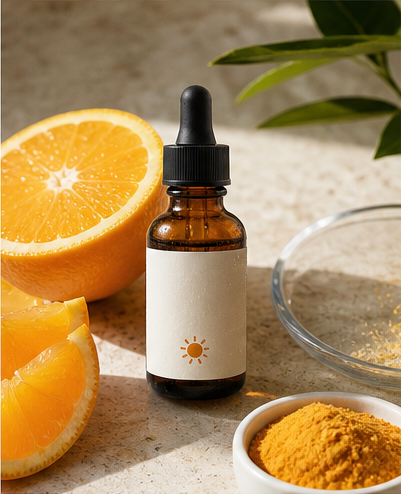
Generated angle example
LIVE TOOL

Image angle generator for multiple views from one image

Upload a product image and preview the multi-angle spread. When the fal-ai model is connected, this panel will generate the final angle pack using the same azimuth, elevation, and distance values.

Multi-angle controls

Pick angles, distance, and zoom. Outputs appear as a consistent set.

Real-time preview
Angle presets (4)
Add custom angle
Front 0° · 0°/0°
Right 90° · 90°/0°
Back 180° · 180°/0°
Left 270° · 270°/0°
Keep it short. The model focuses on camera angles, not style changes.
16 credits / 4 angles
Angle pack preview
Queue ready
Waiting for output
View Front 0°0°/0°
Waiting for output
View Right 90°90°/0°
Waiting for output
View Back 180°180°/0°
Waiting for output
View Left 270°270°/0°
PRICING

Credits designed for angle packs

4 credits per angle generation. Choose a pack that matches your catalog size and scale as you grow.

View full pricing
Starter
$9one-time
Ideal for testing product angles on a few SKUs.
50 credits · ≈12 angle generations
  • Credits valid for 12 months
  • Batch angle presets
  • Downloadable angle packs
Get Starter
Pro
Best value
$19one-time
Built for small stores and weekly catalog updates.
150 credits · ≈37 angle generations
  • Credits valid for 12 months
  • Priority generation queue
  • Multi-angle zip downloads
Get Pro
Studio
$49one-time
Designed for teams managing larger catalogs.
500 credits · ≈125 angle generations
  • Credits valid for 12 months
  • Higher batch limits
  • Team-friendly workflows
Get Studio
Credits explained

Each angle generation costs 4 credits. If you select 6 angles, the total cost is 24 credits.

Refund policy

Unused credits are refundable within 7 days of purchase. Completed generations are not refundable.

FAQ

We generate visual angles, not geometric truth. Results are meant for presentation and reference, not precise 3D measurement.

WORKFLOW

Generate multiple angles from one image

We mirror the fal.ai multi-angle workflow: describe your object, set camera positions, and request multiple target views in one call.

Prompt pattern example: specify left-hand side, back, or front view along with azimuth, elevation, and distance parameters to keep angles aligned.
STEP 101
Upload a clean base image

A single front-facing shot is enough. The tool focuses on identity consistency instead of style changes.

STEP 202
Set azimuth, elevation, and distance

These camera controls define the front, side, and back views you want from the same subject.

STEP 303
Generate a multi-angle pack

Receive consistent viewpoints ready for ecommerce product angle images and catalog listings.

MODEL CAPABILITIES

Camera-style control with consistent identity

The fal.ai Qwen-Image-Edit-2511-Multiple-Angles workflow supports structured camera parameters and multiple target views.

AZIMUTH
Horizontal rotation control

Set azimuth values to move around the object and keep angles aligned across a batch.

ELEVATION
Vertical camera tilt

Adjust elevation for top or low-angle views while keeping the subject consistent.

DISTANCE
Zoom and framing

Distance values act like zoom, keeping subject scale stable as framing changes.

MULTI-VIEW
Multiple targets in one call

Define front, left, right, and back views to generate a complete angle set together.

CONSISTENCY
Identity and lighting continuity

Maintain materials, colors, and light direction so outputs read like one shoot.

API READY
Designed for fal.ai integration

We will connect fal-ai/qwen-image-edit-2511-multiple-angles in the next phase for production generation.

FAQ

Questions teams ask before switching

Quick answers about multi-angle product imagery.

What inputs work best?

A clear product image with minimal background noise gives the most consistent angles.

Can I request multiple angles at once?

Yes. The workflow supports multiple target views in a single request using camera parameters.

Does it replace a photoshoot?

For many ecommerce listings, it can replace basic angle coverage. Hero lifestyle shots may still need photography.

What is the consistency promise?

We keep the same subject identity across angles while shifting the virtual camera viewpoint.

LONG-FORM SEO

Generate product images from different angles without a photoshoot

If you manage an ecommerce catalog, you already know the pain of product photos different angles. A standard listing needs a front view, side view, and back view, but scheduling a multi-camera shoot for every SKU is slow and expensive. ProductViews is an image angle generator that helps teams show product from multiple angles without photoshoot delays.

The core workflow is simple: upload one image, set camera angles, and receive a consistent angle pack. This approach is designed for generate product images from different angles at scale, so merchandising teams can launch faster and refresh listings with minimal effort.

ProductViews focuses on multi-angle consistency instead of style changes. The goal is identity continuity — the same subject, different camera view. That means you can create different views from a single image while keeping materials, logos, and proportions aligned across the set.

For product teams, the most common requirement is front side back product images. With multi-angle generation, you can request all three in one go, plus add 3/4 and top angles for better shopper context. This reduces the gap between a basic photo set and a full product gallery.

The tool is also useful for variant management. When a product comes in multiple colors or finishes, you can reuse the same angle preset and swap the base image to keep the viewing angles identical across variants.

Many brands rely on a consistent catalog style. A repeatable multi-angle workflow makes it possible to standardize angles across categories like footwear, accessories, or home goods. This is exactly why ecommerce product angle images benefit from camera-parameter control.

The system uses azimuth, elevation, and distance controls to move the virtual camera. These settings provide a stable structure that produces multiple views from one image, keeping the subject consistent while letting you control framing and perspective.

When your team needs to create different views from a single image for multiple marketplaces, the ability to batch angles in one request keeps production moving. You can generate multiple angles from one image in minutes and publish faster.

ProductViews is a product image generator without photoshoot overhead. That means no studio booking, no reshoots, and no extended post-production timeline for standard angle coverage.

For marketplaces, a missing side view often delays publication. With an AI image angle generator, you can fill those gaps quickly and keep listings compliant without waiting on external vendors.

Merchandising teams can treat angle sets as a reusable template. Once you agree on the angle list, every new product follows the same pattern, creating a cleaner browsing experience for shoppers.

The same workflow can help creative teams build better visual briefs. They can request multiple views from one image to show details and proportions for internal reviews and approvals.

If you are searching for an AI tool to generate multiple angles from one image, the key question is consistency. We generate visual angles, not geometric truth, which means you get believable, presentation-ready views rather than strict measurement outputs.

ProductViews is also designed for speed. A single upload can produce a complete angle pack in minutes, which helps teams avoid backlog during peak season or major launches.

As we integrate fal-ai/qwen-image-edit-2511-multiple-angles, the interface on this page will connect directly to production generation, delivering final multi-angle packs with reliable identity consistency.

In short, if you need to show product from multiple angles, generate product images from different angles, or create multiple views from one image without photoshoot overhead, ProductViews provides the fastest path to consistent catalog imagery.

Catalog teams often struggle with inconsistent angle coverage. One product might have a full set, while another only has a hero shot. An AI multi-angle image tool fills these gaps and keeps presentation uniform across the entire store.

ProductViews works best when the base image is clear and centered. The cleaner the input, the more reliable the camera shift. That makes it easy to set a standard capture guideline for suppliers and still get consistent angles later.

If your workflow includes seasonal updates, the multi-angle approach saves time. You can update a base image and regenerate the same angle pack, keeping continuity across campaigns without rebuilding the entire photo library.

Because the tool is prompt-light, teams do not need complex prompt engineering. Most results are driven by camera settings, which makes the workflow approachable for merchandising managers and content coordinators.

Using multi-angle image generation also helps with A/B testing. You can quickly create alternate angle sequences and evaluate which views drive higher engagement or conversion on product pages.

For international catalogs, consistent angle packs make localization easier. The same set of front, side, and back views can be reused across regions, reducing duplicated production work.

As the fal.ai integration matures, ProductViews will support batch processing for multiple products, enabling teams to run overnight angle generation for entire categories and wake up to ready-to-publish assets.

Ready to generate product images from different angles?

Upload one image and get a full angle pack in minutes. Early access is open while we finalize the fal.ai integration.